
What If AI Could Actually Run Part of Your Business?
Not a chatbot. A real assistant that works while you don’t.
You’ve tried ChatGPT. Maybe Claude. You asked it a few questions, got some decent answers, and then… went back to doing everything yourself. Because those tools have a fundamental problem: every conversation starts from scratch. They don’t know your business, your projects, or how you like things done.
There’s a different way to use AI. One where your assistant remembers everything, works in the background, and actually gets things done without you typing a prompt every time.
What This Looks Like in Practice
I run an online education business—29 books, 20 courses, 100,000+ students, multiple websites. Here’s what my AI assistant handles on a typical day:
- Checks my inbox every 30 minutes and alerts me when something needs attention
- Posts to Facebook three times a week with images—written, scheduled, and published automatically
- Manages advertising campaigns on Amazon, including bid adjustments and keyword analysis
- Monitors all seven of my websites and alerts me if anything breaks
- Backs up four servers every Sunday morning
- Compiles a weekly LinkedIn post from my activity log
- Edits WordPress pages when I ask—copy changes, new sections, SEO updates
- Remembers every conversation we’ve had, every decision we’ve made, every preference I’ve mentioned
I didn’t hire anyone. I didn’t learn to code. I set up an AI assistant on a $20/month server, and I talk to it through my phone like I’m texting a colleague. The server runs 24/7, and the assistant gets better the longer I use it.
Two Courses, One Goal
I’ve created two classes based on months of real experience running my business this way. They work independently or together.

Get Real Work Done With an AI Assistant
Start here if you’re curious about what’s possible. This course shows you how to work with an AI assistant day to day—how to teach it about your business, organize its memory, delegate effectively, and build systems that run without you. 32 lessons covering everything from your first conversation to automated workflows. Every example comes from real work I do every day.
9 sections · 32 video lessons · Works with any AI assistant platform
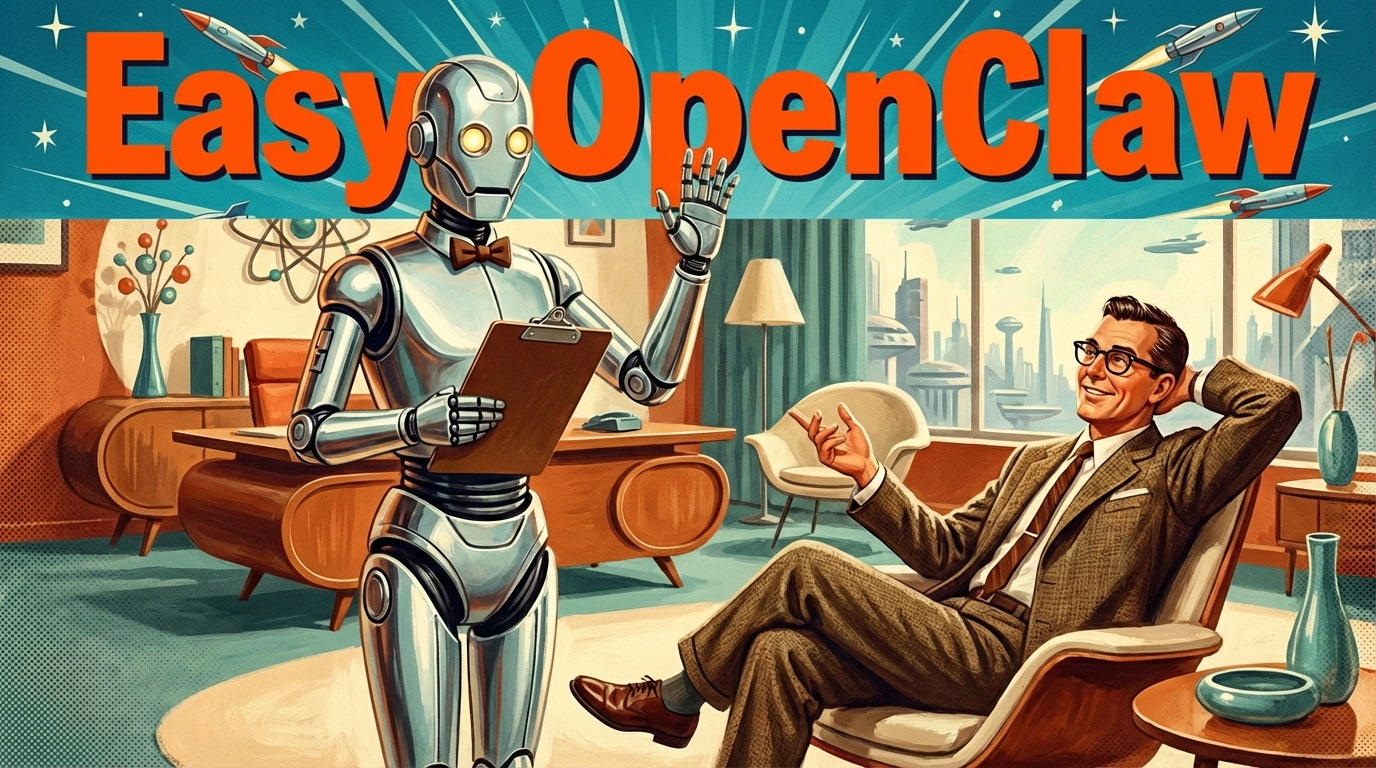
Easy OpenClaw: Create Your Own AI Assistant
Ready to build your own? This is the step-by-step setup. OpenClaw is free, open-source software that turns a small cloud server into your personal AI assistant—one you text through your phone. This course walks you through every step: creating your server, installing OpenClaw, customizing your assistant’s personality and memory, connecting email, building automated tasks, and long-term maintenance. No programming required. Setup takes about an hour.
8 sections · 28 video lessons · Includes troubleshooting and cost management
What People Are Saying
“I was skeptical that someone without a programming background could set this up. Steve’s course made it genuinely straightforward—I had my assistant running the same afternoon. Two months later, it handles my email triage, social media scheduling, and client follow-ups. I can’t imagine going back.”
— Loren B., small business owner
“I’ve tried every AI tool out there. The difference with having your own assistant is that it actually knows your business. Mine remembers my clients, my pricing, my preferences—I just tell it what I need and it does it. Steve’s course on working with an AI assistant changed how I think about delegation entirely.”
— Marcus T., freelance consultant
“The morning I woke up and my assistant had already checked my email, drafted responses to three client inquiries, and posted to my social media accounts—that was the moment I realized this was worth every penny.”
— Travis A., entrepreneur
Take Advantage of Our Introductory Offer
Get Real Work Done
with an AI Assistant
$49.99 $29.99
Common Questions
Do I need to be technical?
No. If you can install an app on your phone and follow step-by-step instructions, you can do this. The Easy OpenClaw course walks through every click. Many students who’ve set up their own assistant have never touched a server before.
What does this cost beyond the course?
The server runs about $20/month on Amazon Web Services. AI usage (the “brain” behind your assistant) typically costs a few dollars a day depending on how much you use it. Most people spend $40–60/month total.
How is this different from ChatGPT or Claude?
Those are chat windows. You type, they answer, then they forget. An OpenClaw assistant runs on your own server 24/7, remembers everything permanently, works in the background on scheduled tasks, and can actually do things—edit websites, send emails, manage files, post to social media. It’s the difference between asking someone a question and having someone on your team.
How long before I see results?
You’ll have a working assistant within a few hours of starting the setup course. Within the first week, most people have it handling email monitoring, file management, and a few automated tasks. Within a month, it becomes hard to imagine working without it.
Which course should I start with?
If you’re curious but not sure this is for you, start with Get Real Work Done—it shows you what’s possible without any setup commitment. If you already know you want your own assistant, go straight to Easy OpenClaw or grab both at a discount.
Get Real Work Done
with an AI Assistant
$49.99 $29.99
These courses are taught by Steve Alcorn, founder of Alcorn McBride (the leading technology provider to theme parks worldwide), a startup founder in AI, and an educator who has helped over 100,000 students. Steve has been using his own AI assistant daily since January 2026 to run his online education business.