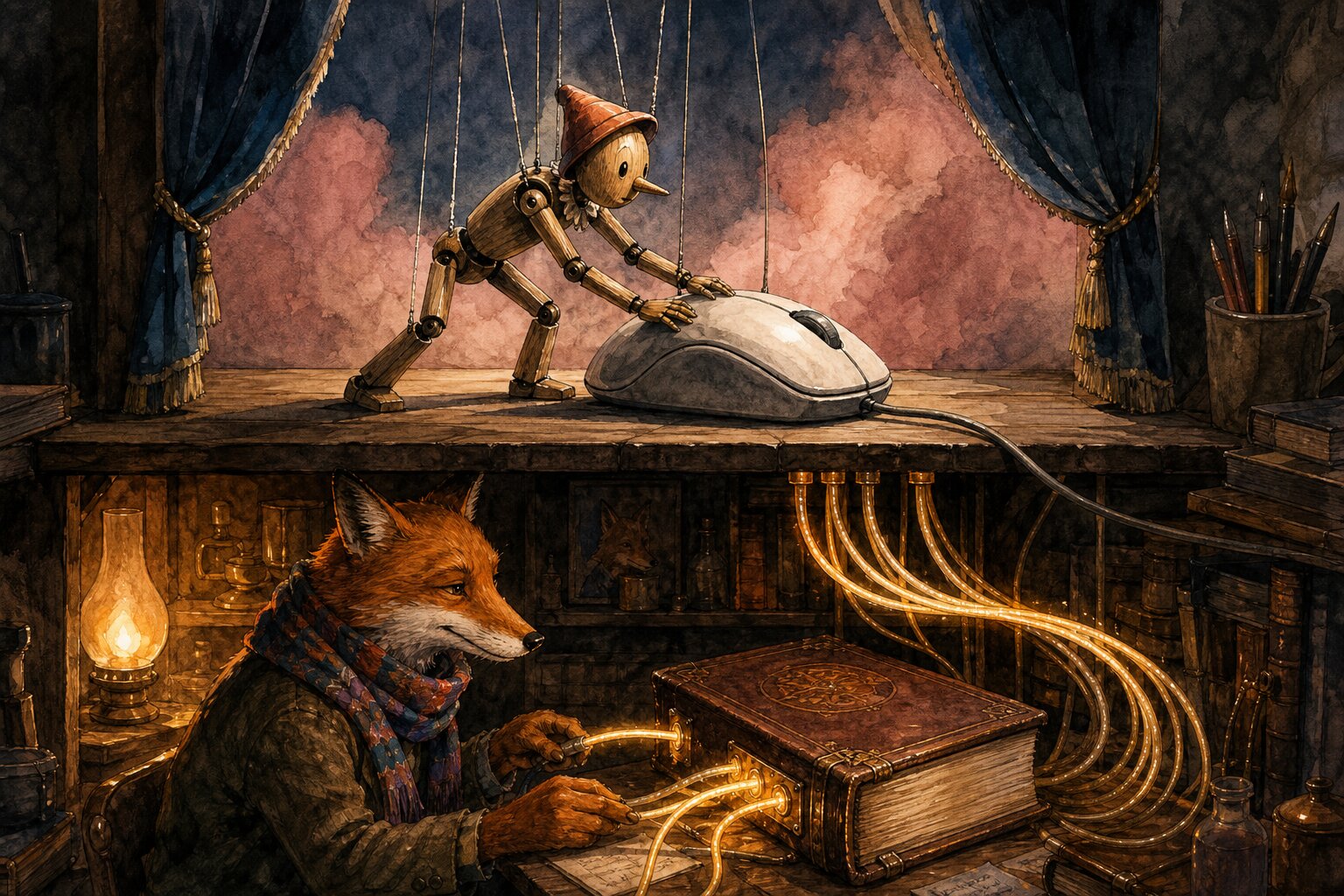
Why You Don’t Want Your AI to Use Your Computer
OpenAI recently shipped computer-use for Windows. Every tech influencer is posting clips of an AI as it moves a mouse, clicks dropdowns, and fills out spreadsheets. It looks like magic.
But mouse-moving is a terrible way to run a business.
When you automate a task by pantomiming a human, you inherit every bit of friction built into the desktop. The AI moves slow; it gets confused when a button shifts by three pixels; it gets stuck clicking ‘Yes’ on permission prompts. Every action requires a full screenshot round-trip to the cloud.
I run my business with a self-hosted AI assistant. It doesn’t drive my mouse, and I don’t want it to.
Instead, it works behind the scenes. It talks directly to my databases, calls WordPress REST APIs, and runs command-line scripts. It rebuilt a friend’s DJ directory in a week; it audited my books and optimized my ad campaigns; it updates my courses without opening a browser.
This is the difference between pantomime and capability. One looks great in a twenty-second demo on X. The other actually gets work done when you aren’t looking.
Yes, setting up API connections and background workers takes more effort than watching a mouse move. But once they run, they don’t break. You want business outcomes, not an AI pretending to be an administrative assistant.
I teach two classes on setting up and getting the most from OpenClaw at AI Partner School.